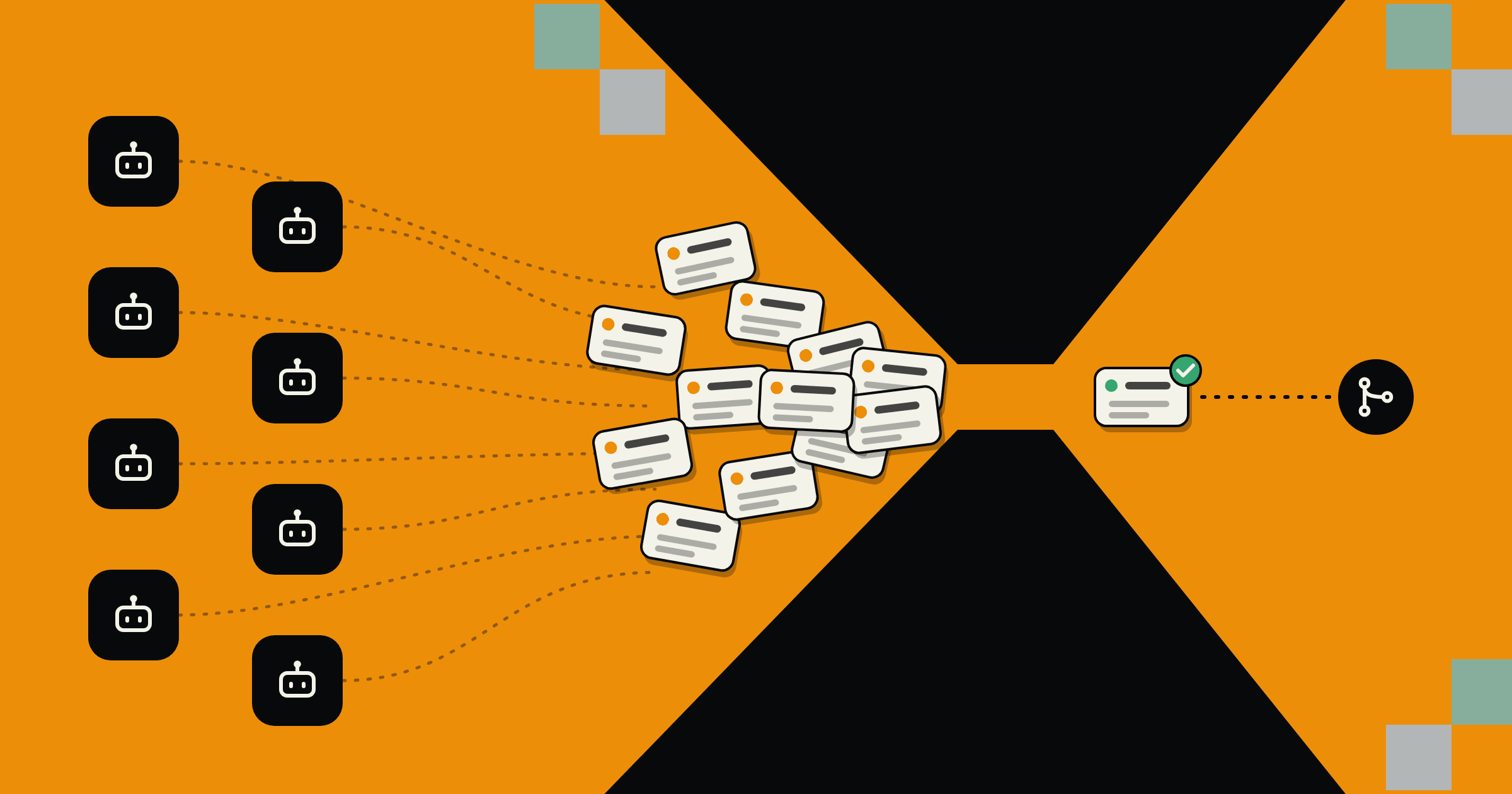
Your team already pays for Codex and it’s good at writing code. What it doesn’t give you is a shared way to ship. Each engineer runs a private queue, with their own prompts and their own idea of “done.” A teammate can’t open your task to see why it’s stuck. And every PR still lands on a reviewer who has to work out from scratch whether it’s safe to merge.
SuperPlane workspaces can run on your team’s ChatGPT subscriptions. That gives you three things:
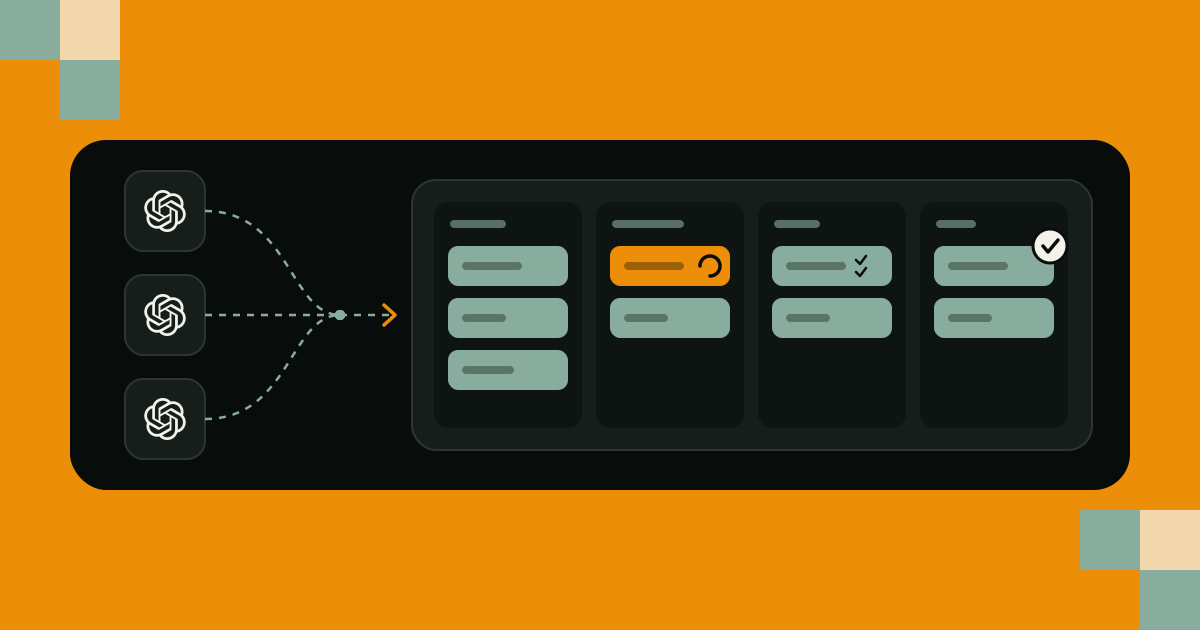
- Your existing seats do the work. Each teammate connects their own ChatGPT account and each task runs on its owner’s subscription. No API keys, no token markup.
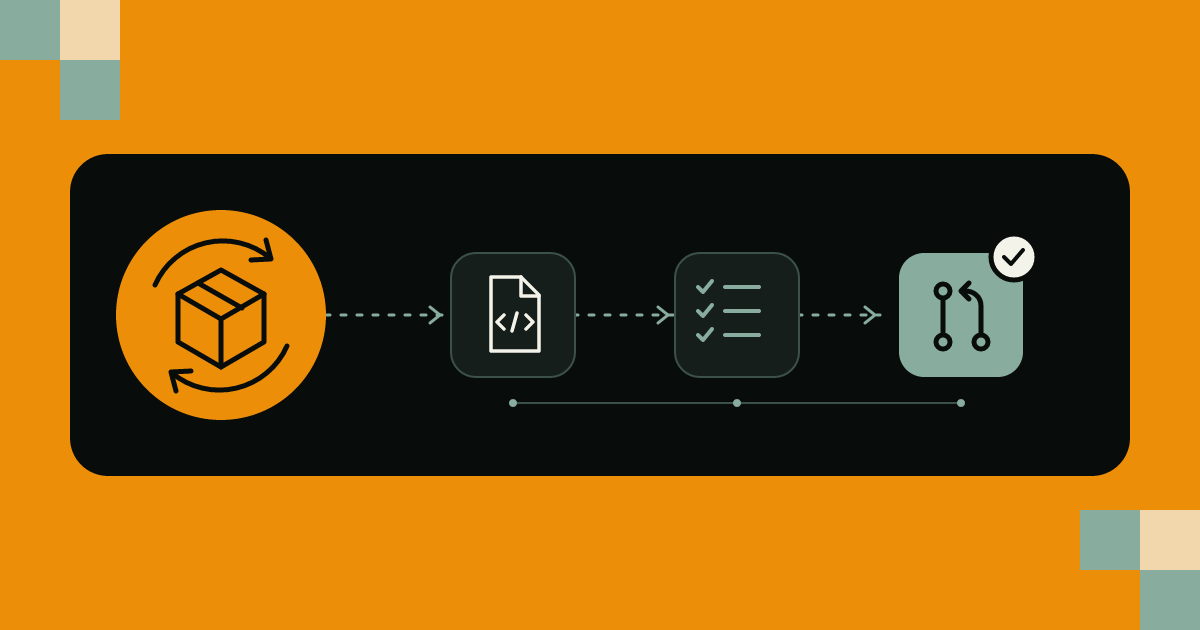
- PRs arrive ready for a decision. Every task is checked for readiness before implementation starts and Verify tells reviewers how safe a change is and where to look.
- One board for the whole team. Everyone’s Codex work is visible in one place, with automations shaped to how your team ships.
Use the seats you already pay for
Each teammate connects their ChatGPT account once. After that, every task they own runs on their own subscription and counts against their own limits.
That keeps things simple:
- No shared key to manage. There’s no API key to create, rotate or leak and no separate model bill to reconcile at the end of the month.
- Usage follows people. You can see whose seat a task ran on, because the task owner and the subscription are the same person.
- Automated work has an owner too. Tasks created by intakes or automations run on the workspace’s default task owner, which an admin picks once.
See Bring your own subscription for how owners and defaults work.
PRs that arrive ready for a decision
Readiness checks and Verify are automations, so every task follows the same steps, no matter who started it or how they wrote the prompt. A typical setup makes sure a PR reaches review with the answers a reviewer needs:
- Before implementation: The Backlog automation scores each task for readiness. Clear tasks go to Implement. Unclear ones go back to their author with specific questions, so no run starts on a guess.
- Merge confidence: Verify scores every PR on blast radius, performance, security, drift from specification and reversibility, with a one-line reason for each and posts the result on the PR.
- The right reviewer, or none: An agent requests the teammates best placed to review the change, or marks human review as unnecessary when every check is positive.
When a check fails, the task goes back to Codex with the reason attached. If it keeps failing, it goes to a person. Every attempt stays in the task history, so nobody has to rebuild the context later.
Your team decides what “ready to merge” means. Each check is a node on the Verify automation canvas, so you can add your own, like a security scan, a performance budget or a required screenshot of the changed page. Once it’s on the canvas, every task gets it.

One board for the whole team
Every Codex task sits on one Factory pipeline board, showing who owns it, where it is and what it cost. Work moves through the same four columns for everyone: Backlog, Implement, Verify and Done.
That changes how the team works together:
- Anyone can pick up a stuck task. If a task needs a person, the whole team sees it, not just the person who started it.
- Context lives on the task. Comments, check results and every Codex attempt stay in one place.
- Leads see the whole line. You can tell where work piles up, which tasks keep bouncing back from Verify and how long it takes a task to reach Done.
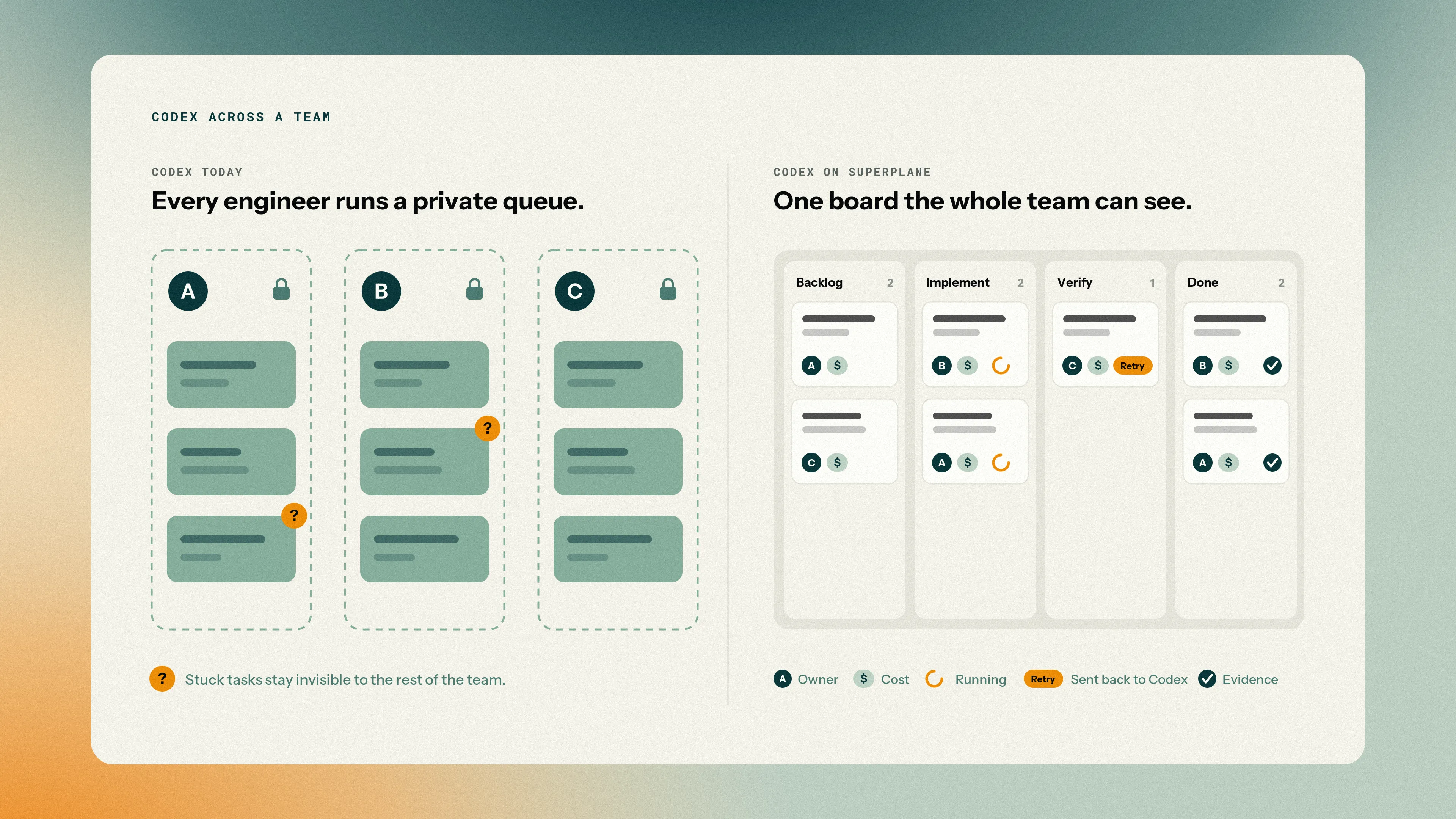
Every column runs an automation you can change and intakes can add work on a schedule or from your other tools. Here are three we run on our own repo:
- ESLint AutoFix: Every morning, SuperPlane finds the five easiest issues in our lint baseline and opens a small task for each.
- E2E Pruner: SuperPlane finds end-to-end tests that still point at parts of the old product and opens up to three tasks to delete them, never touching tests for the new features.
- Security audit: SuperPlane runs Cloudflare’s security audit skill on the codebase and opens tasks only for real, verifiable issues, at most five per run.

Each one is a short prompt with a few guidelines. The tasks it creates go through the same Implement, Verify and review flow as any other work. Most reach review green and mergeable and nobody had to remember to clean up.
Switch your workspace to Codex
- Connect ChatGPT: Go to Settings → Account → Codex and sign in. Each teammate does this once.
- Switch the model source: In Settings → Models, choose Change model source → ChatGPT subscriptions, pick a default task owner and click Switch to Codex. You need the Maintainer or Admin role.
- Start a task: Pick one small, well-scoped issue and watch it move from Backlog to Done.

Try it
Codex already writes the code. SuperPlane makes it shippable for the whole team. Follow Bring your own subscription to switch your workspace, then hand it one task from your backlog.